

Watch the Pledii Poker showcase
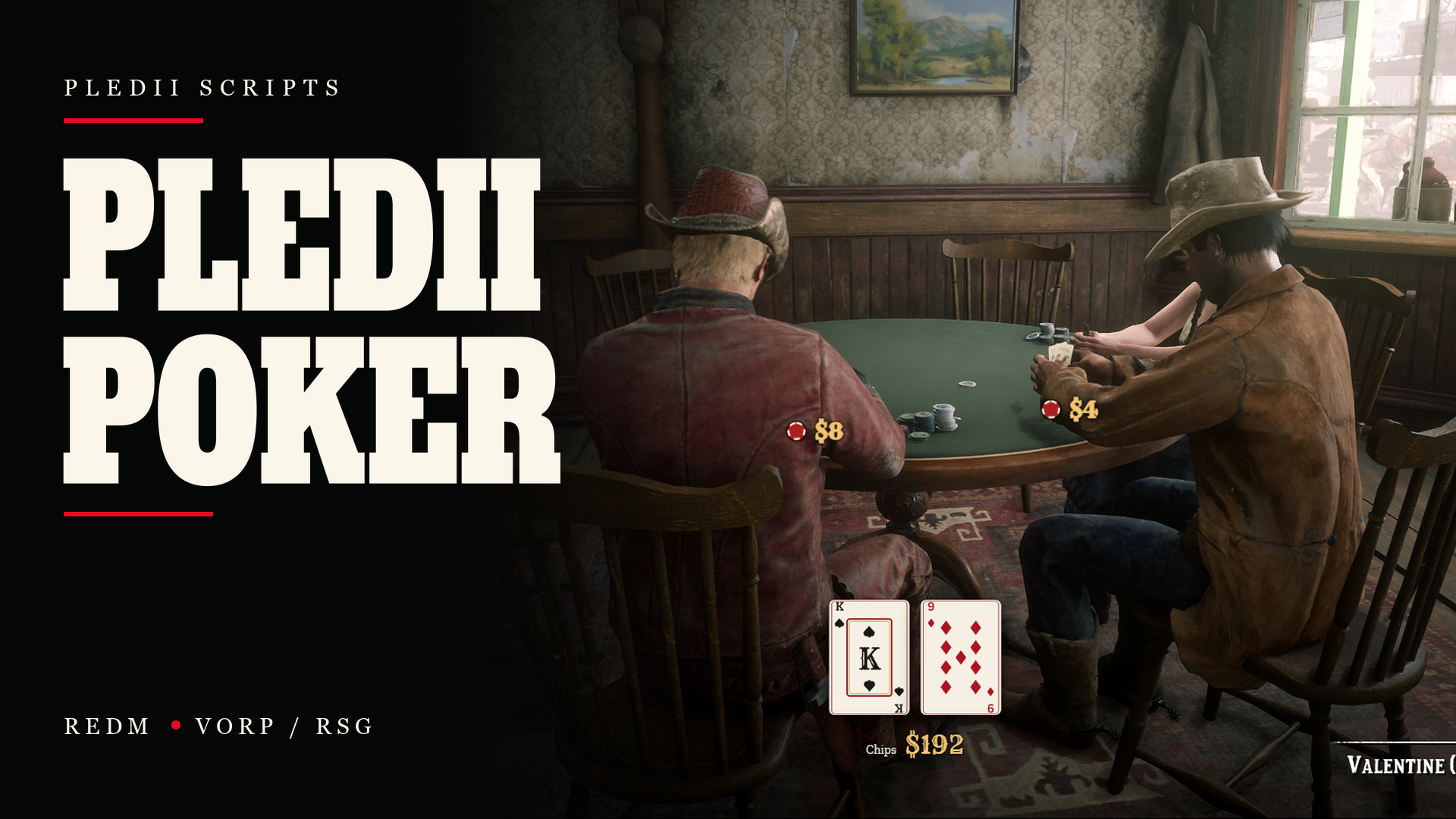
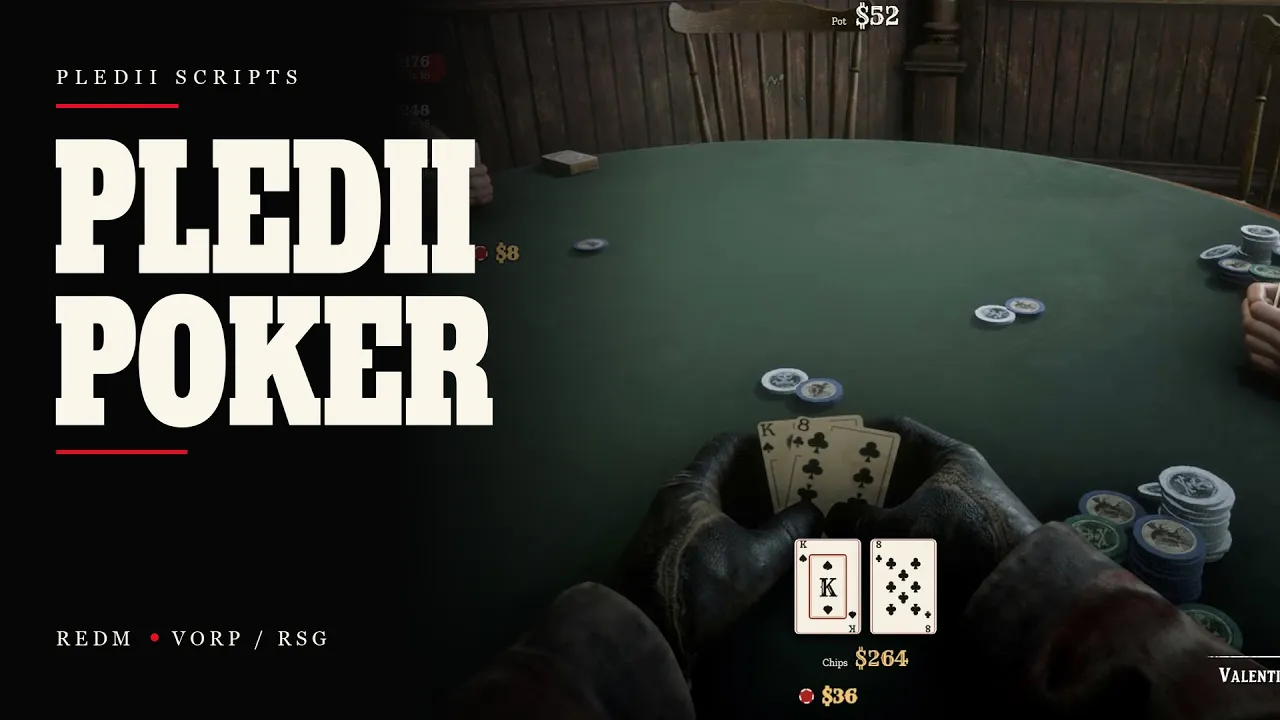
Set up Texas Hold'em tables where you want them and manage each one through the Poker Manager. Pledii Poker brings buy-ins, betting, cards, chip stacks and the showdown to the table using RDR2's poker animations.
TABLE PLACEMENT AND ADMIN CONTROL
Place, move and remove custom tables in game, or enable and disable the supported map tables. Configure each table's name, seat limit, stake preset, card deck, map blip and NPC opponents. Tables support two to six seats, with eight card-deck styles available.
Define stake presets in the configuration, including blinds, buy-in limits and raise increments. Configure turn timers, animation speed, key bindings and optional rake. Authorised staff can inspect running games, remove seated players and close a game. Manager access is controlled by permissions, with an editable hook for your own admin system.
TEXAS HOLD'EM GAMEPLAY
Choose a buy-in and sit down to play. Check, call, raise, fold or go all-in, with side pots and split-pot handling. Add chips between hands without leaving the table. The server controls the cards, betting and payouts.
WATCH A GAME
Nearby players can watch the action at the table. Use Watch to follow the board, pot, players and winner through the spectator interface. Action labels show moves such as check, call and raise, alongside contributions to the pot.
PLAYER SETTINGS
Each player can adjust the volume and turn sound groups on or off, including cards, chips, wins and alerts. Toggle animations, winner glow and the winner banner. Choose whether to display action labels, pot amounts and table badges, and adjust their sizes. Preferences are saved locally for that player.
OPTIONAL NPC OPPONENTS
NPC opponents are disabled per table by default. Enable them on individual tables when wanted. Configure the number of NPCs, their available play styles, decision timing and hourly loss cap. The supplied styles are tight, balanced, loose and aggressive.
CONFIGURATION AND INTEGRATION
VORP and RSG are supported without pledii_lib. Configuration, translations and framework integration hooks remain editable in the Escrow edition. Developers can connect their own join restrictions, notifications and admin checks, and use the included events and exports for seated state, leaving a table, completed hands and rake handling.
The database tables are created automatically on startup. English and Georgian interface translations are included; native game prompts remain English.
REQUIREMENTS
- RedM server artifact 7290 or newer
- OneSync enabled
- VORP or RSG
- oxmysql
- A Cfx server key associated with the account that owns the asset
Optional: vorp_lib provides its placement gizmo when installed. A built-in placement tool is available without it. Georgian notifications need a suitable web-based notifier, such as ox_lib, or a custom notification hook.
ESCROW: WHAT YOU CAN EDIT
- shared/config.lua
- open/server.lua and open/client.lua
- locales/
- The browser interface files in ui/
The core Lua gameplay code, animations, NPC logic and table geometry are protected by Cfx Asset Escrow.
BEFORE YOU BUY
- A table supports a maximum of six seats.
- Female characters use the male poker animation set; some hand/card alignment can differ.
- Native prompts remain English even when the interface uses another language.
- Leaving or being removed during a hand forfeits the bets already placed.
- Optional rake is removed from play; paying it to a society or business requires connecting the provided server event.
- Trusted managers can see hole cards in the admin live view, except while seated at that table.
Delivery & support
After purchase, download the resource from your Cfx Granted Assets. Keep the resource folder named pledii_poker.